


Buying a Solana meme coin takes about ten minutes the first time and two minutes every time after. Losing everything to a fake token, a drainer site or a leaked seed phrase takes even less, which is why this guide spends as much time on the safety rails as on the buttons. Here’s the complete process, from empty phone to tokens in your wallet, the way the Bill The Bear family teaches every new bestie to do it.
Standard honesty first: this is an educational walkthrough, not financial advice. Meme coins are extremely volatile, and you should only ever use money you can afford to lose completely.
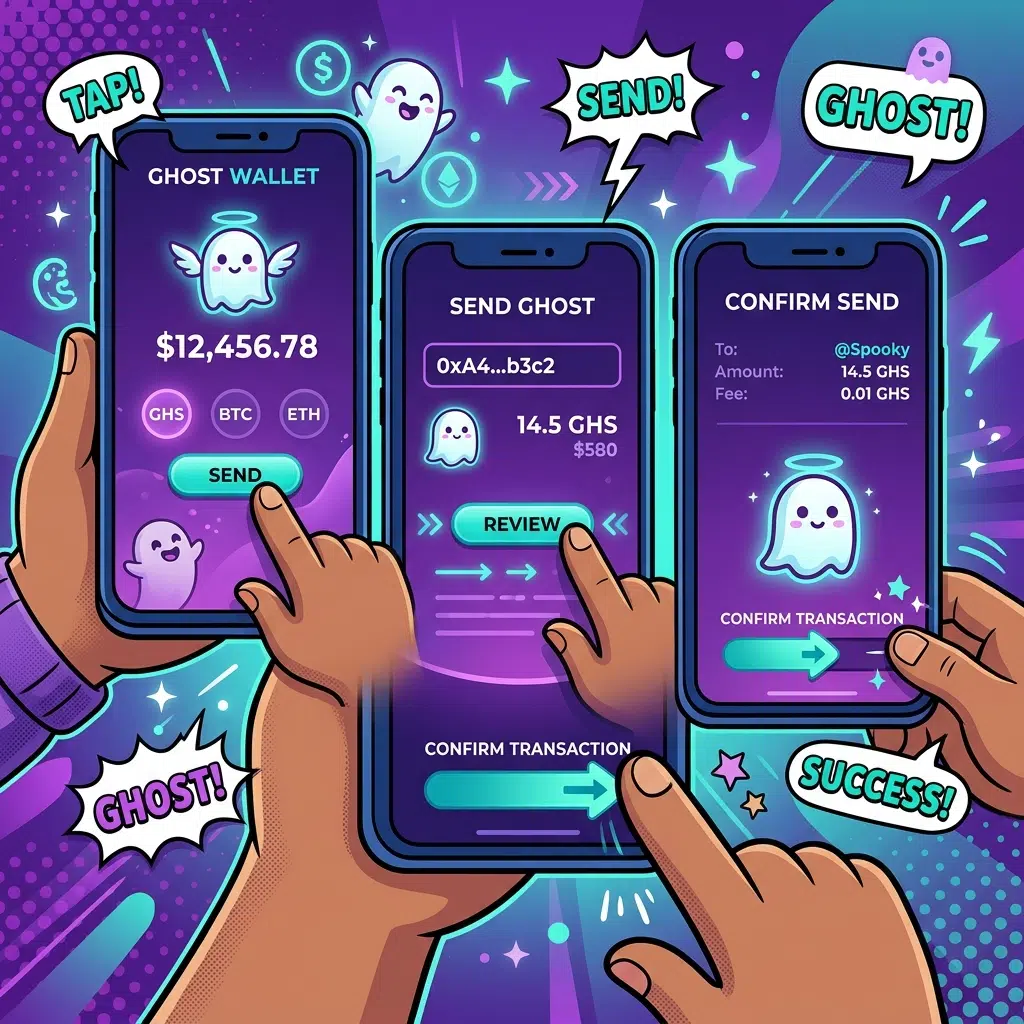
How do you buy a Solana meme coin?
Install the Phantom wallet, write down your recovery phrase offline, add SOL by buying in-app or transferring from an exchange, then swap SOL for your token on Jupiter or Raydium using the contract address copied from the project’s official website. Confirm the swap in Phantom, and the tokens appear in your wallet.
That’s the map. Now the terrain, including everywhere people fall off it.
Step 1: Install Phantom and protect the twelve words
Phantom is the standard Solana wallet, free on iOS, Google Play and as a Chrome extension from phantom.com. Download only from the official app stores or by typing the address yourself, because sponsored search ads for fake wallet sites are a real and recurring scam.
During setup, Phantom shows you a recovery phrase, usually twelve words. This phrase IS your wallet. Anyone who has it has your money, from anywhere, forever, and no support team can undo it. Write it on paper, store it somewhere safe, and never type it into any website, form or chat. Nobody legitimate will ever ask for it: not Phantom support, not a project admin, not a helpful stranger fixing your “wallet issue” in Telegram. Every seed phrase request is a robbery in progress. That single habit prevents the majority of all crypto losses, so we put it in step one.
Step 2: Get SOL into the wallet
SOL is Solana’s native coin, and you need it both to trade and to pay network fees. The fees themselves are tiny, fractions of a cent, but keep a small SOL cushion (a dollar or two worth) on top of your trading amount so you’re never stuck unable to move.
Two routes in. The simple one: buy SOL directly inside Phantom with a card through its built-in on-ramp providers; costs a little more in fees, takes two minutes. The cheaper one: buy SOL on a major exchange, then withdraw it to your Phantom address, which you copy from the wallet’s receive screen. When transferring, always send a small test amount first, confirm it arrives, then send the rest. The test costs a cent and has saved fortunes.
Step 3: Get the real contract address, from the source
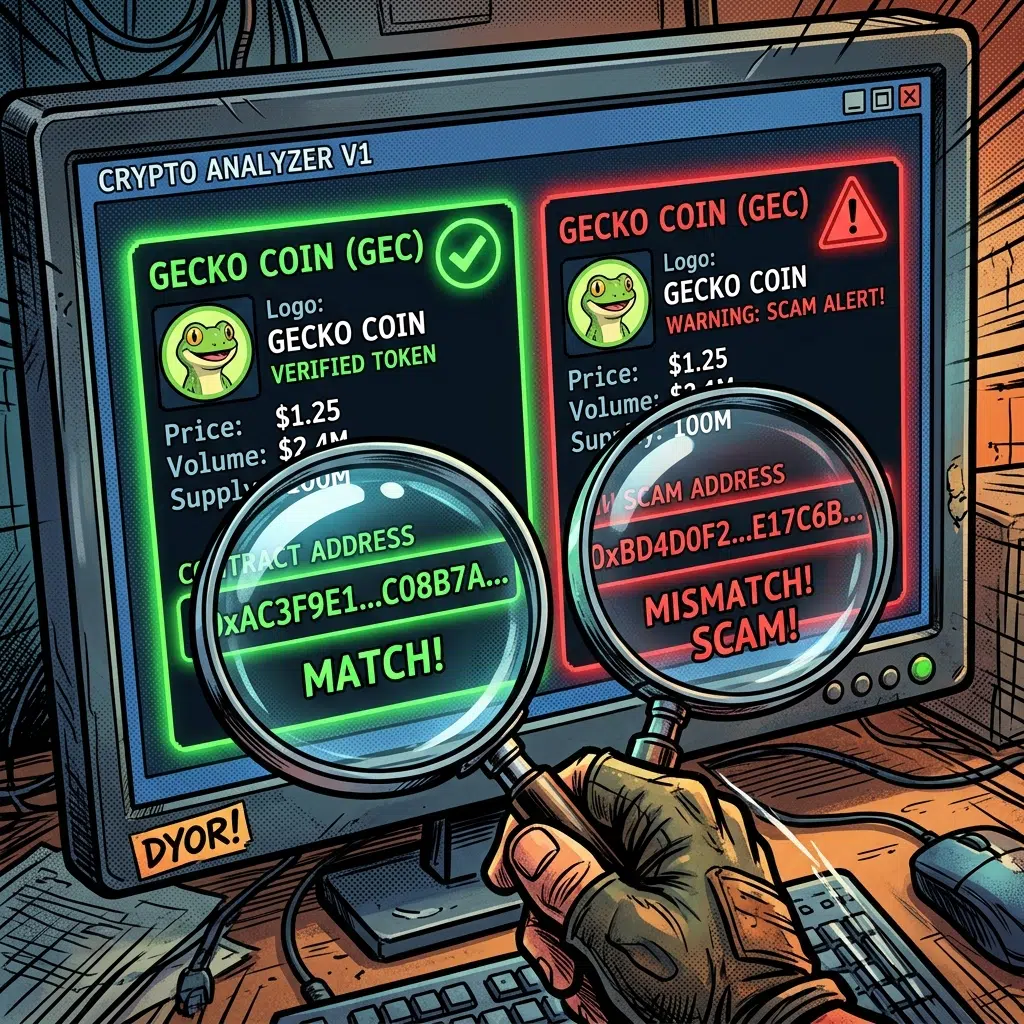
Here’s the step that separates safe buyers from victims. Popular meme coins attract clones: identical name, identical logo, worthless token. The ticker means nothing; the only true identifier is the contract address, the long string of characters that uniquely identifies the token on-chain.
Copy it exclusively from the project’s official website or verified official channels. Never from a search result, a random reply on X, a DM (real projects don’t DM first, ever), or a Telegram message from someone whose profile picture is friendlier than their intentions. Serious projects publish the address prominently for exactly this reason, the way Bill The Bear prints the $Bill on-chain address right on the homepage. Match it character for character, checking the first and last several characters after pasting.
Step 4: Swap on Jupiter or Raydium
Solana meme coins trade on decentralized exchanges, and two names cover nearly everything. Raydium is the classic Solana DEX where most tokens’ liquidity lives. Jupiter (jup.ag) is an aggregator that scans routes across DEXes, including Raydium, and gives you the best available price, which is why it’s most people’s default.
The swap itself: open the DEX in your browser or in Phantom’s built-in browser, click Connect Wallet and approve the connection in Phantom, select SOL as what you’re paying, paste the verified contract address into the receiving field, and select the token. Enter your amount, review the quote, and click Swap. Phantom pops up asking for a signature: this is the moment of truth, so read what it says you’re sending and receiving before approving. Sign, wait a few seconds, done. The tokens land in your wallet; if they don’t display automatically, add them via the contract address in Phantom’s token list.
Step 5: Set slippage like you mean it
Slippage is the price movement you’re willing to tolerate between clicking Swap and the trade executing. Meme coin prices move fast, so swaps sometimes fail at very tight slippage, and DEXes let you loosen it. The trap: cranking slippage sky-high to force a trade through on a hot token means accepting whatever price the chaos delivers, and bots are built to take advantage of exactly that. Zero-tax tokens with healthy liquidity usually swap fine at low slippage around 1 percent or less, with modest increases only during genuine volatility spikes. If a token demands enormous slippage to buy at all, that’s not an inconvenience, that’s a warning label.
The safety layer: five rules that outlast any single trade
- Seed phrase offline, forever. Paper, not screenshots, not cloud notes, not “just this once” into a website. Every request for it is theft.
- Type URLs, don’t click them. Drainer sites imitate DEXes and mint pages, and one approved malicious transaction can empty a wallet. Bookmark jup.ag and your other tools after typing them once.
- Use a burner wallet for new tokens. Phantom lets you create multiple accounts; keep serious funds in one you never connect anywhere, and do your meme trading from a smaller one. Blast radius control.
- Ignore airdropped mystery tokens. Unknown tokens appearing in your wallet are bait; interacting with them or visiting the site they advertise is the hook. Hide them and move on.
- Slow down when excited. Every scam in this ecosystem is engineered around urgency: limited mints, “migration deadlines,” admins rushing you. Real tokens will still exist in an hour. Fake ones need you to act now.

Reading a token before you buy: the two-minute check
Before any swap, paste the contract address into a chart site like Dexscreener or Birdeye and spend two minutes on four numbers.
- Liquidity. This is the pool that lets you sell later. Thin liquidity means your own sale moves the price against you, and tiny liquidity means you may not meaningfully exit at all. More is safer.
- Holder distribution. Click through to the holders list. If a few wallets outside the liquidity pool control a huge share of supply, they can end the party whenever they like, and you’re a guest at their table.
- Volume versus hype. A token being screamed about everywhere but trading thin volume is a marketing campaign, not a market. Healthy tokens show steady organic trading across days, not one vertical spike.
- Age and history. A chart that has survived multiple pullbacks and recovered tells you the community holds. A chart that’s forty minutes old tells you nothing except that you’re early to something that’s probably nothing.
None of this guarantees anything, and that’s the honest truth of the whole asset class. What the two-minute check does is filter out the majority of outright traps before your money meets them, which is the most anyone’s due diligence can promise here.
After the buy
Your tokens live in your wallet, in your custody, which is the point of doing it this way. Track the position in Phantom or a portfolio app, decide in advance what would make you sell in either direction, and remember that selling works exactly like buying, just reversed: same DEX, same signature, SOL back in the wallet. If you’re still deciding whether any of this is for you, back up one step and read our plain-English explainer on what meme coins are and how they work, risks and all. And whichever way you decide, the Telegram den is open; Bill gives the same size bear hug to holders and window-shoppers alike.
FAQ
How much money do I need to start?
Technically a few dollars, since Solana fees are fractions of a cent. Whatever your number, make it an amount whose total loss you’d shrug off, and keep a small SOL cushion for fees on top.
Is Phantom wallet safe?
Phantom is the most widely used Solana wallet and includes scam-site warnings and transaction previews. The real risk is user-side: leaked seed phrases and approved malicious transactions. The five safety rules above cover both.
Jupiter or Raydium: which should I use?
Jupiter for most swaps, since it routes across DEXes (including Raydium) for the best price. Going to Raydium directly works fine too; both connect to Phantom the same way.
Why did my swap fail?
Usually slippage set tighter than the price is moving, or not enough SOL left for the network fee. Nudge slippage up slightly, ensure a small SOL balance remains, and retry.
Can I buy meme coins without a DEX?
Larger meme coins get listed on centralized exchanges, where buying works like any other coin. New and smaller tokens live on DEXes first, which is why the Phantom-plus-Jupiter route is the standard skill to learn.
What’s the single biggest beginner mistake?
Trusting a contract address from search results or DMs instead of the official site, and its close cousin, typing a seed phrase into a website. Both are instant, irreversible losses, and both are fully preventable.